
Excel - Mastering Lookup Functions
03/29/2024 Recorded Webinar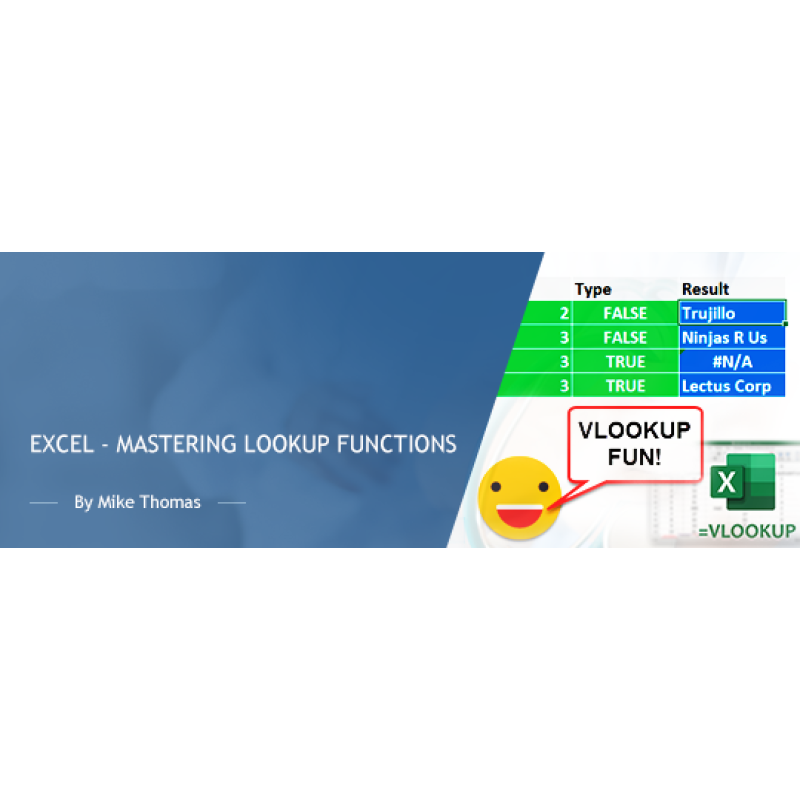
Description
"How do I look up a value in list ONE and pick up a related value from list TWO"
"How do I avoid my lookup formula displaying an ugly error when it can't find a match?"
"I've heard of VLOOKUP but what's HLOOKUP and what’s XLOOKUP?"
These are just a few of the questions I get asked on a regular basis. You can get the answers to these questions (and more) by attending this training session dedicated to mastering the various lookup functions that are built into Excel.
Why you should attend
VLOOKUP, HLOOKUP, XLOOKUP are some of the most well-known (and most useful) formulas in Excel. Used properly, they will help you to improve the accuracy and integrity of your Excel workbooks, save a ton of time and minimize data entry errors.
Topics covered
- VLOOKUP v HLOOKUP v XLOOKUP
- How to construct and use the LOOKUP functions
- TRUE and FALSE – the 4th VLOOKUP parameter demystified
- Tables – the key to future-proofing LOOKUP
- How to avoid #NA
- INDEX/MATCH v LOOKUP
Who should attend
This training is categorized as intermediate and is aimed at users who want to learn about the Lookup functions in Excel.
Although the training will be delivered using the latest version of Excel, this training is relevant for users of all versions of Excel.
Note: XLOOKUP is only available in certain versions of Excel.
Webinar Details
-
Recorded Webinar
Speaker:

Mike Thomas
Microsoft Trainer & Solution Developer: Excel, PowerBI & Office
Mike Thomas have worked in the IT training business since 1989 and although he has a subject matter expert in a range of technologies, particularly Mi...
Related Events
Excel Meets AI: Boost Your Productivity with ChatG...
In today’s fast-paced and data-driven world, efficiency, accuracy, and innovation are more critical ..

Using Artificial Intelligence to Enhance Student S...
In this session, we will examine how AI and indirect measures can be used to better guide assessment..
Excel - Master These 10 Functions to Skyrocket You...
Microsoft Excel contains almost 500 built-in worksheet functions. Strip away the ones nobody uses. D..
Upcoming Webinars

HIPAA in 2026: What Changed, What’s Coming, and Wh...
Over the last few years, the U.S. Department of Health and Human Services, Office for Civil Rights h..

HIPAA Breach Risk Assessment for Ransomware Attack...
HIPAA Breach Risk Assessments determine whether a Ransomware attack constitutes a HIPAA Breach that ..
E&M Coding Guidelines and Documentation Requir...
During this presentation we will Review current documentation guidelines for different location that..